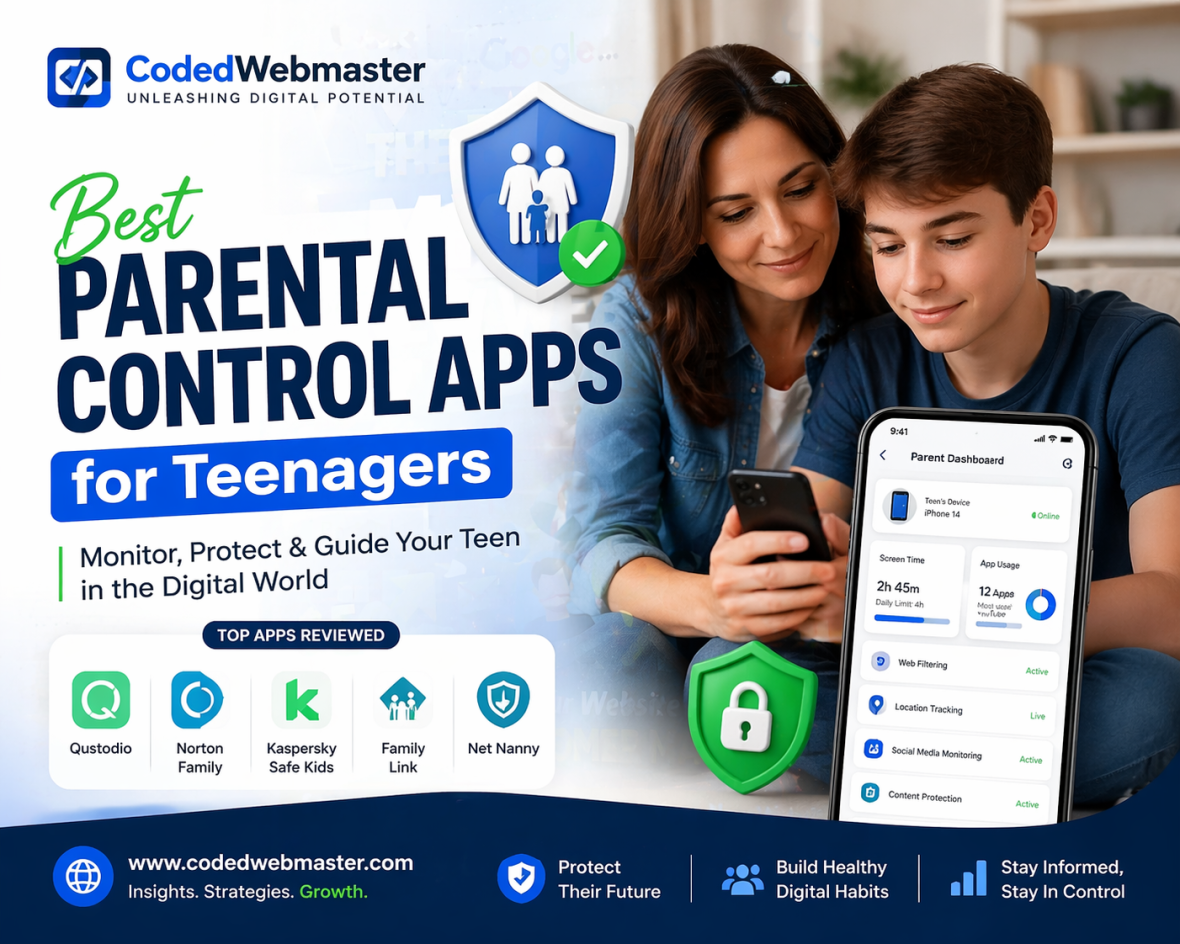
Teenagers today spend a significant amount of time online — using social media, messaging apps, streaming platforms, and gaming services. While technology offers learning and entertainment opportunities, it also exposes teens to risks like cyberbullying, online predators, inappropriate content, and screen addiction.
This is where parental control apps become essential. These apps help parents monitor, guide, and protect teenagers while still respecting their independence.
In this guide, we’ll explore the best parental control apps for teenagers and how they help create a safer digital environment.
Why Teenagers Need Parental Control Apps
Teenagers are more independent than younger children, but they still need guidance. Unlike kids, teens often:
Use multiple social media platforms:
• Chat with strangers online
• Share personal information
• Watch unrestricted content
• Spend excessive time on devices
Parental control apps help parents:
Monitor online activity
• Track device usage
• Block inappropriate content
• Set screen time limits
• Track location for safety
These tools don’t control teens; they help parents guide them responsibly.
Best Parental Control Apps for Teenagers
TheOneSpy
TheOneSpy is one of the most advanced parental control apps designed for monitoring teenagers’ digital activity. It offers detailed insights into phone usage, social media, and communication.
Key Features
- Call and SMS monitoring
• Social media tracking
• GPS location tracking
• Screen recording and screenshots
• App usage monitoring
• Browsing history tracking
• Geofencing alerts
Why It’s Best for Teenagers
Teenagers often use multiple apps and communicate privately. TheOneSpy allows parents to monitor activity discreetly and detect potential risks early.
Qustodio
Qustodio is a popular parental control app that offers simple monitoring and screen time management.
Key Features
- Screen time controls
• App blocking
• Web filtering
• Call & SMS tracking
• Location tracking
Why It’s Best for Teenagers
Qustodio helps parents manage device usage and ensure teens don’t spend too much time online.
FonSee
FonSee is a powerful parental control app designed to help parents monitor teenagers’ digital activity and ensure their online safety.
Key Features
- Social media monitoring
• Call and text message tracking
• App usage monitoring
• Location tracking with geofencing
• Content filtering
Why It’s Best for Teenagers
FonSee provides real-time monitoring and alerts for suspicious activity, helping parents stay informed without being overly intrusive. It balances safety and independence, giving teens freedom while ensuring parents can detect risks early.
Bark
Bark focuses on detecting potential online dangers like cyberbullying, depression, and inappropriate conversations.
Key Features
- Social media monitoring
• Text message monitoring
• Email tracking
• Screen time controls
• Content filtering
Why It’s Best for Teenagers
Bark uses AI to detect warning signs and alerts parents only when something suspicious happens, making it less intrusive.
Guardian Shield
Guardian Shield is a comprehensive parental control app focused on protecting teens from online threats and managing screen time effectively.
Key Features
- Social media monitoring
• App usage and time tracking
• Content filtering for unsafe websites
• Location tracking and check-ins
• Alerts for suspicious activity
Why It’s Best for Teenagers
 Guardian Shield combines safety and privacy by alerting parents only when potential risks are detected. It helps teens develop responsible online habits while giving parents peace of mind.
FamiSafe
FamiSafe is a well-known parental control app with powerful safety features for teenagers.
Key Features
- Real-time location tracking
• App usage monitoring
• Screen time management
• Suspicious content alerts
• Geofencing
Why It’s Best for Teenagers
FamiSafe helps parents monitor both online and offline activities, making it ideal for teen safety.
OgyMogy
OgyMogy is another powerful parental monitoring solution designed for parents who want detailed insights into teen phone usage.
Key Features
- Call monitoring
• Social media tracking
• Screenshot capture
• Keylogger
• GPS tracking
Why It’s Best for Teenagers
OgyMogy helps parents monitor hidden activities and detect risky behavior.
Norton Family
Norton Family offers a balanced approach to parental monitoring with educational tools.
Key Features
- Website blocking
• Screen time scheduling
• Activity monitoring
• Location tracking
• Search monitoring
Why It’s Best for Teenagers
Norton Family encourages healthy digital habits while keeping teens safe online.
Features to Look for in Parental Control Apps for Teenagers
Before choosing an app, parents should look for these important features:
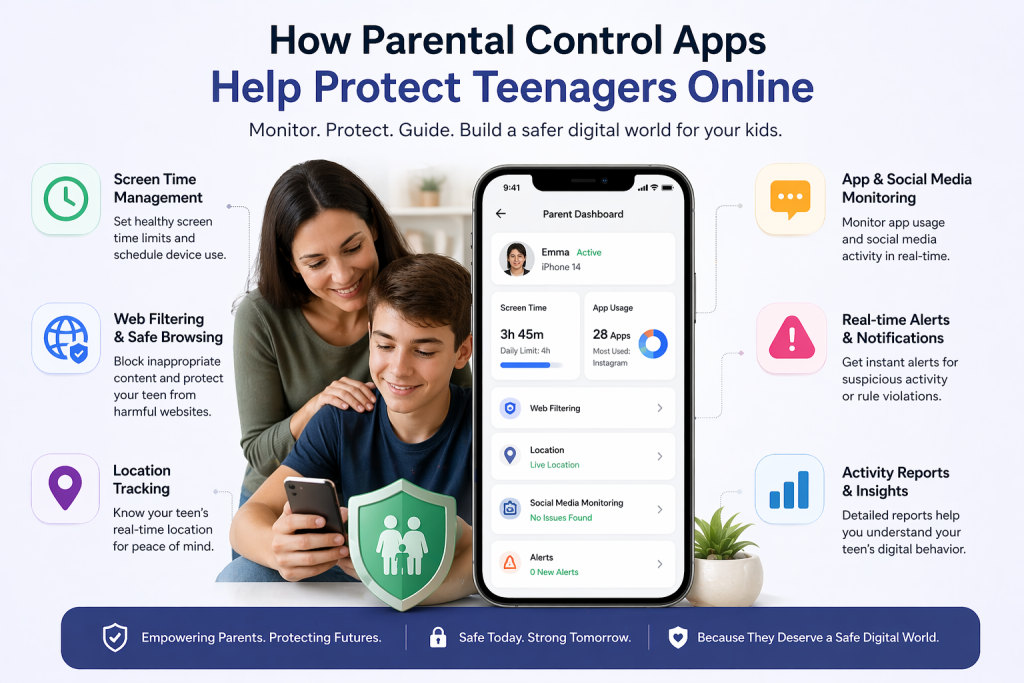
Social Media Monitoring
Teenagers spend a large portion of their time on social media platforms like Instagram, TikTok, Snapchat, and WhatsApp. While these platforms are great for socializing, they also expose teens to cyberbullying, inappropriate content, and contact with strangers. Social media monitoring lets parents:
- Track posts, comments, and messages
- Detect suspicious or harmful interactions
- Identify early signs of bullying or risky behavior
This helps parents intervene early without completely restricting social interaction.
Screen Time Management
Teens often lose track of time online, which can lead to sleep problems, reduced focus on schoolwork, and even addiction. Screen time management tools allow parents to:
- Set daily limits for device usage
- Schedule “off-time” for homework, family time, or sleep
- Encourage a balanced digital lifestyle
By managing screen time, parents help teens develop healthy habits while still giving them freedom.
Location Tracking
Safety is a top priority, especially for teens who spend more time outside or travel independently. Location tracking helps parents:
- Know the real-time location of their teen
- Set safe zones (geofencing) and get alerts if the teen leaves those areas
- Respond quickly in case of emergencies
It provides peace of mind without being overly controlling.
Content Filtering
The internet contains plenty of content that may not be suitable for teenagers, including violent, adult, or harmful websites. Content filtering allows parents to:
- Block inappropriate websites and apps
- Restrict certain searches
- Prevent accidental exposure to harmful material
This ensures that teens can explore online safely without being completely cut off from the internet.
App Monitoring
Teenagers often download and use numerous apps, some of which may be unsafe or addictive. App monitoring allows parents to:
- See which apps are installed and frequently used
- Identify risky apps or games
- Block apps that may interfere with studies or safety
This feature helps parents guide teens toward responsible app usage without constant micromanagement.
How to Choose the Right Parental Control App
Every family has different needs when it comes to monitoring teenagers. Choosing the right parental control app depends on your child’s behavior, age, and how much independence they have. Teenagers of different ages require different levels of monitoring. Younger teens may need stricter controls, such as website blocking and screen time limits, while older teens may benefit more from activity monitoring and safety alerts.
If your teen is highly independent, you may want an app that sends alerts only when suspicious activity occurs. However, if your teen is new to smartphones or social media, a more detailed monitoring solution may be more suitable.
Parents should identify what they want to monitor before choosing an app. Some parents focus on screen time management, while others want to track social media, calls, messages, or location. For example, if your main concern is cyberbullying, social media monitoring is important. If safety is the priority, GPS tracking and geofencing features are useful.
Parental control apps come in different pricing plans. Some apps offer basic free features, while advanced monitoring tools usually require paid subscriptions.
Not all parental control apps work on every device. Some apps work better on Android, while others offer limited features on iPhone.
| App Name | Key Feature | Best For |
|---|---|---|
| Qustodio | Screen monitoring | Beginners |
| Norton Family | Web filtering | Families |
| Net Nanny | Real-time alerts | Advanced control |
Tips for Using Parental Control Apps with Teenagers
Using parental control apps effectively is just as important as choosing the right one. Parents should focus on guidance rather than strict control to avoid conflicts and build trust.
Be Transparent About Monitoring
Honesty is important when using parental control apps. Parents should inform teenagers about monitoring and explain that it is for safety, not spying. This helps prevent misunderstandings and builds trust between parents and teens.
Discuss Online Safety Regularly
Technology changes quickly, and new risks appear all the time. Parents should regularly talk with teenagers about online safety, cyberbullying, privacy risks, and responsible internet use. These conversations help teens understand why monitoring is necessary.
Set Clear Rules
Setting boundaries helps teenagers understand expectations. Parents can create rules for screen time, social media use, and online behavior. For example, no phone use during homework or late at night. Clear rules reduce arguments and promote healthy habits.
Respect Teen Privacy
Teenagers value their privacy, and overly strict monitoring can damage trust. Parents should avoid reading every message unless there is a safety concern. Respecting privacy encourages teens to be more open and cooperative.
Focus on Safety, Not Control
The main purpose of parental control apps is protection, not control. Parents should use these tools to guide teenagers, detect risks early, and encourage responsible behavior rather than restricting everything.
Open communication builds trust and improves the effectiveness of parental control apps. When teenagers understand that monitoring is for their safety, they are more likely to cooperate and develop healthy digital habits
Final Thoughts
Teenagers face more online risks than ever before. Social media, online games, and messaging apps make it difficult for parents to keep track of their teens’ digital lives. Parental control apps help bridge this gap by providing visibility, safety alerts, and screen time management tools.
Whether you choose TheOneSpy, Bark, FonSee, Qustodio, Guardian Shield, FamiSafe, OgyMogy, or Norton Family, the goal remains the same — keeping teenagers safe while helping them develop responsible digital habits. The right parental control app can give parents peace of mind and teens a safer online experience.
Frequently Asked Questions
Q: What is the best parental control app for teenagers?
A: Popular options include Qustodio, Norton Family, and Net Nanny, depending on your needs.
Q: Are parental control apps safe?
A: Yes, reputable apps are safe and help protect children online.
Q: Can parental control apps monitor social media?
A: Many advanced apps can track social media activity and screen time.
🚀 Want to grow your website and attract more customers online?
Check out our SEO and guest post services to boost your visibility and rankings.
👉 Visit: https://www.codedwebmaster.com